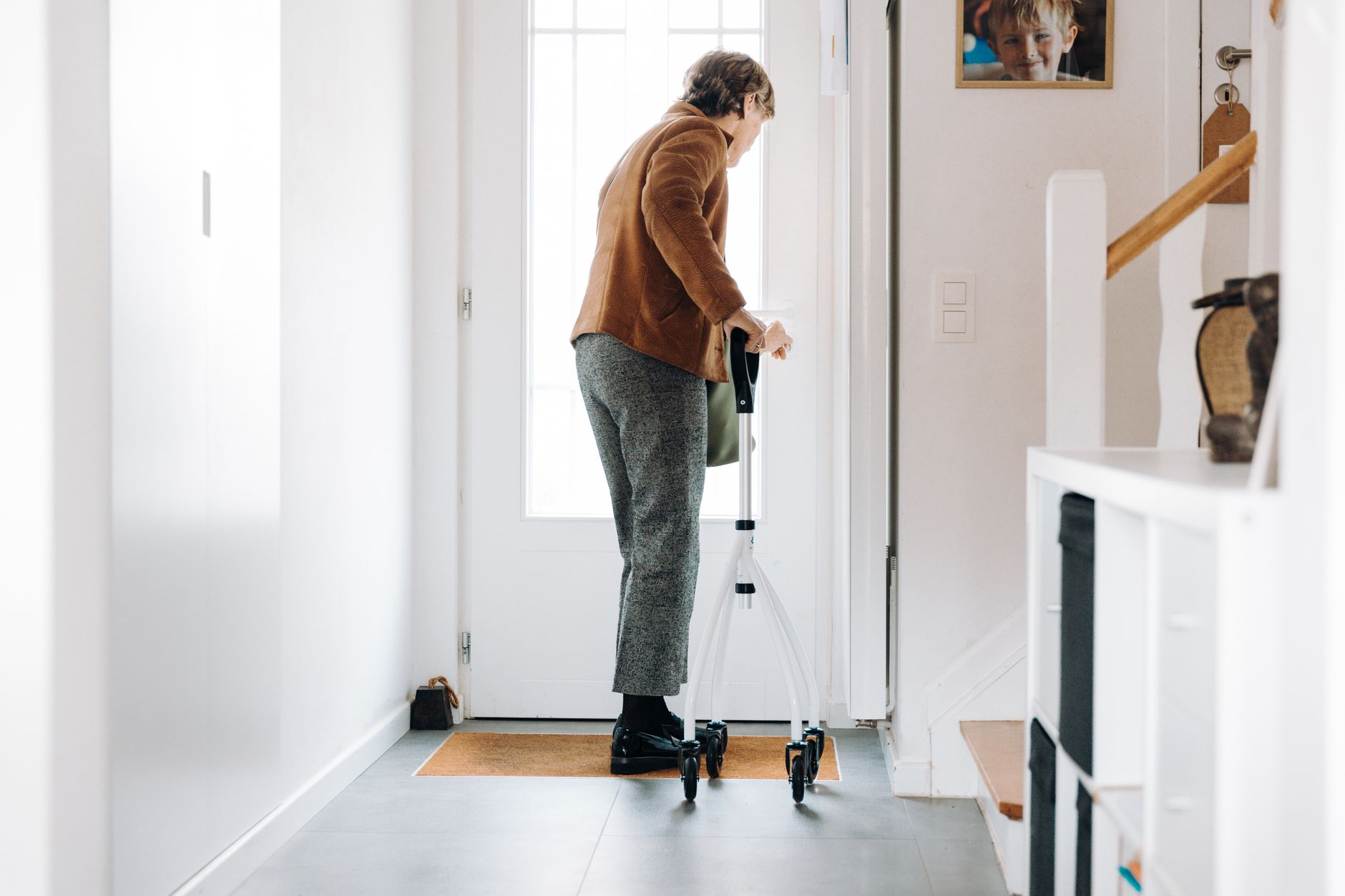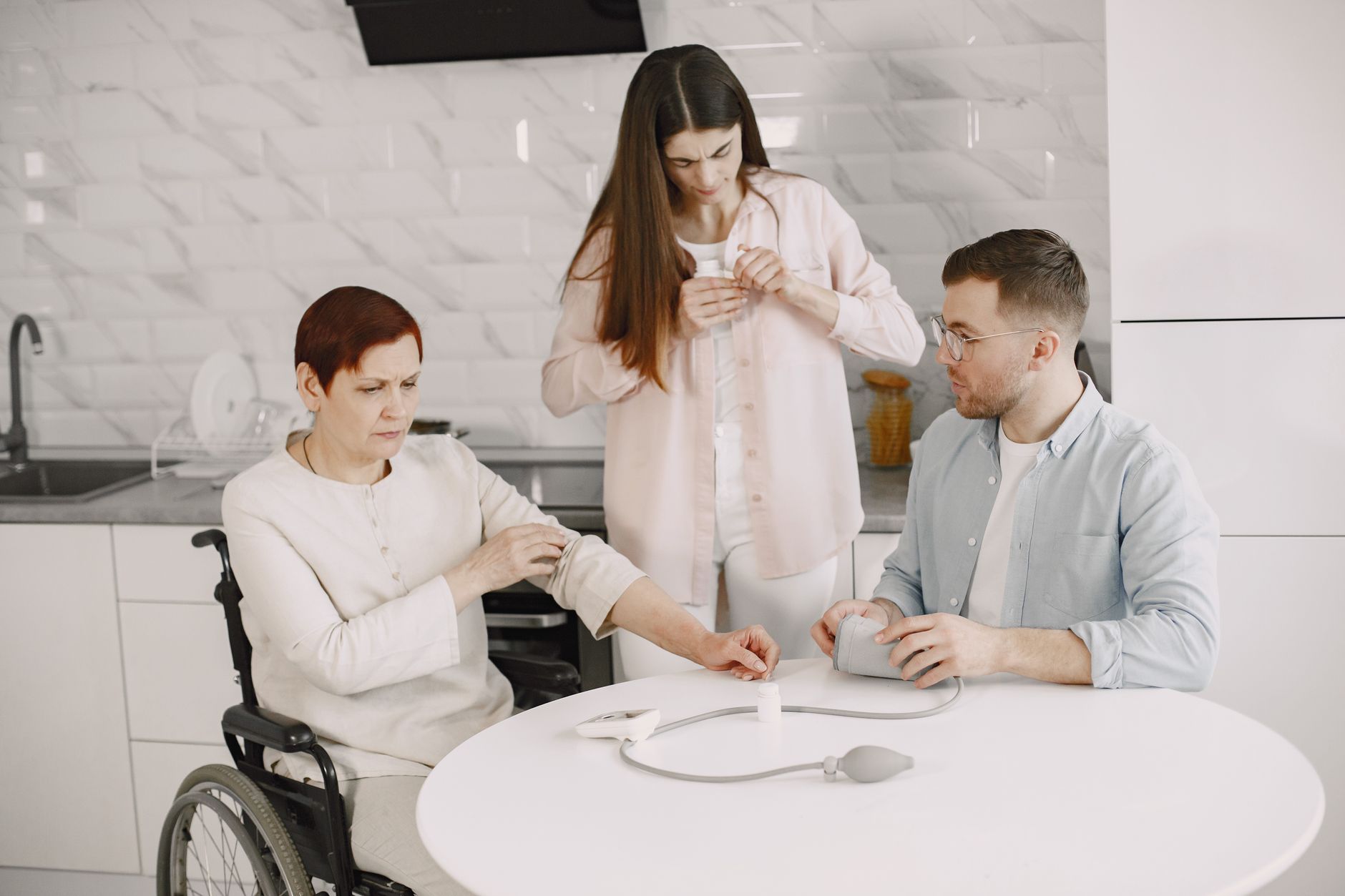
Most of the time, living alone works exactly the way an older adult wants it to: familiar routines, their own schedule, nobody hovering.
The worry is the morning it doesn't work — a fall in the shower with the phone sitting in the kitchen, a dizzy spell on the floor with nobody within earshot, or the help button that never got put back on and is still in a drawer.
That gap is what a medical alert system fills: assistance one press away, even when a phone is in another room.
But the best system is not the one with the longest feature list.
A senior who rarely leaves the house may be best served by a home base station and a waterproof pendant, while someone who walks the neighborhood every morning needs a cellular device with GPS. A caregiver living several states away may care more about low-battery alerts and location sharing than about pendant size.
This guide compares six established medical alert providers and explains which type of senior each may suit best.
Important: Prices, device availability, cellular coverage, contracts, and optional features can change. Always verify the provider's current terms before purchasing.
Quick Comparison: Our Top Medical Alert Systems
| Medical Alert System | Best For | Home Use | Mobile Use | Standout Feature |
|---|---|---|---|---|
| Medical Guardian | Best overall | Yes | Yes | Broad range of device options |
| Bay Alarm Medical | Best value | Yes | Yes | Strong mix of home, mobile, and smartwatch options |
| MobileHelp | Best for active seniors | Yes | Yes | Home and on-the-go systems |
| Aloe Care Health | Best for family caregivers | Yes | Yes | Caregiver app and connected safety features |
| Life Alert | Best established provider | Yes | Yes | Long-running emergency response service |
| Lively | Best simple mobile option | Limited | Yes | Portable device with GPS and two-way communication |
Our quick picks
Best overall: Medical Guardian
Best value: Bay Alarm Medical
Best for active seniors: MobileHelp
Best for family caregivers: Aloe Care Health
Best established provider: Life Alert
Best simple mobile option: Lively
There is no universal winner. The right choice depends on where the senior spends time, how comfortable they are with technology, whether fall detection matters, and how involved family caregivers need to be.
📊Medical Alert Systems Compared
| System | Type | Key Feature | Price | Best For |
|---|---|---|---|---|
| Medical Guardian | Home + mobile | Broad range of device options | $27.95–$39.95/mo | Overall |
| Bay Alarm Medical | Home + mobile | Home, mobile, and smartwatch options | $34.95–$39.95/mo | Value |
| MobileHelp | Home + mobile | Home and on-the-go systems | $29.95–$37.95/mo | Active seniors |
| Aloe Care Health | Home + mobile | Caregiver app and connected safety features | $39.99–$44.99/mo + hardware | Family caregivers |
| Life Alert | Home + mobile | Long-running emergency response service | Request quote | Established provider |
| Lively | Mobile only | Portable device with GPS and two-way communication | $24.99/mo + $79.99 device | Simple mobile option |
Click on any product to view full details and reviews
1. Medical Guardian — Best Overall
If you are not yet sure whether the older adult needs a pendant for the house or a device they can wear on walks, Medical Guardian is a reasonable place to start.
The company offers both home and mobile options, including the Guardian Flex and MGHome. Guardian Flex currently starts at $39.95 per month on an annual plan, while MGHome starts at $27.95 per month. Pricing varies by plan and device.
The main advantage is flexibility: a homebody gets a base-station system, while someone who walks, shops, or travels carries a mobile device instead.
Why Medical Guardian stands out
That range matters because needs tend to shift. A system that fits an independent 70-year-old may not fit the same person several years later if mobility changes.
Medical Guardian also offers cellular connectivity on its mobile products, which means the user does not need to rely on a home WiFi connection for the device to communicate.
Best for
- Seniors living independently
- People who want several device choices
- Families planning for changing needs
- Seniors who spend time both at home and outside
Potential drawback
More choices can make the buying process harder.
If the senior only needs a simple button at home, there may be no reason to pay for a more advanced mobile device.
Choose Medical Guardian if you want flexibility and several ways to match the system to the senior's lifestyle.
Medical Guardian Flex / MGHome
Guardian Flex currently starts at $39.95 per month on an annual plan, while MGHome starts at $27.95 per month.
Outdoor mobility safety means combining the right rollator with a way to get help if you need it. Our review of the best rollators for outdoor walking covers five all-terrain models, plus specific guidance on pairing one with a medical alert system or smartwatch for seniors living alone.
2. Bay Alarm Medical — Best Value
Families torn between a traditional home button and something the wearer won't associate with being old get both ends of that spectrum from Bay Alarm Medical.
Its current lineup includes SOS Home, SOS All-In-One, SOS Micro, and SOS Smartwatch. The company lists SOS Home Cellular at $34.95 per month, SOS Micro at $34.95 per month, and SOS Smartwatch at $39.95 per month before optional features and other costs.
The company also offers automatic fall detection on eligible devices.
Why Bay Alarm Medical stands out
The span from home base station to smartwatch is the draw: a senior who refuses pendants can wear the SOS Smartwatch instead, while someone who wants nothing more than a simple button keeps the SOS Home.
The SOS Micro sits between the two — a compact device for use away from home, with GPS/location features and caregiver tracking built in.
Best for
- Families comparing several device types
- Seniors who want home and mobile options
- People who want caregiver location features
- Seniors who prefer a watch-style device
Potential drawback
The lowest advertised monthly price does not necessarily represent the total cost.
Equipment purchases, fall detection, and other options can increase the final price.
Bay Alarm Medical is a strong choice when you want practical protection with several device options and a relatively transparent starting price.
Bay Alarm Medical
The strong choice when you want practical protection with several device options and a relatively transparent starting price
3. MobileHelp — Best for Active Seniors
The grandparent who walks three miles before breakfast and the one who only leaves the house for doctor's appointments need different hardware, and MobileHelp sells both.
Its current lineup includes Classic Home, which starts at $29.95 per month, and Elite, an on-the-go device starting at $37.95 per month. The choice comes down to how much of the senior's day happens outside the base station's range.
Why MobileHelp stands out
A traditional home button only works inside its range from the base — little use during neighborhood walks, grocery runs, visits with friends, or day trips. The Elite is built for those hours, with activity tracking and 24/7 monitoring in a cellular wearable.
What to consider
For a mobile system, battery habits matter.
A device that provides excellent protection but sits uncharged on a nightstand is not doing much good.
Also check cellular coverage in the places where the senior normally travels.
Best for
- Active seniors
- People who leave home frequently
- Seniors who walk alone
- People who want both home and mobile choices
Potential drawback
A mobile device may involve more charging and maintenance than a simple home pendant.
MobileHelp is worth considering when the senior's life extends beyond the front door.
MobileHelp
the best choice for seniors who want protection both at home and when they leave the house
4. Aloe Care Health — Best for Family Caregivers
Aloe Care Health takes a more caregiver-focused approach than many traditional medical alert providers.
Its current products include the Essentials home system and Mobile Companion 2 for on-the-go protection. The Mobile Companion 2 includes 4G LTE connectivity, fall detection, two-way communication, and location features that can help caregivers stay connected.
The Essentials plan also includes a caregiver app, 4G connectivity, a hub, and a care button.
Why Aloe Care stands out
Consider a parent living alone while an adult child lives several hours away.
The caregiver may want more than an emergency button.
They may want:
- Caregiver notifications
- Location information
- Communication tools
- A shared caregiver app
- Emergency response
- A way to stay connected without constantly calling
Aloe Care is designed around that broader caregiver relationship.
Current pricing
Aloe Care currently lists Essentials at $39.99 per month with a one-time hardware cost, while Mobile Companion 2 is listed at $44.99 per month with a hardware purchase.
Best for
- Long-distance caregivers
- Seniors with involved family members
- Families who want caregiver technology
- Older adults who need both home and mobile protection
Potential drawback
The additional technology may require more setup than a very simple medical alert button.
Aloe Care Health is especially worth considering when family involvement is an important part of the senior's safety plan.
Aloe Care Health
Aloe Care Health takes a more caregiver-focused approach than many traditional medical alert providers.
5. Life Alert — Best Established Provider
Life Alert is one of the longest-established names in the medical alert industry. The company says it has provided personal emergency response services since 1987.
But it is important not to think of Life Alert as only an old-fashioned pendant.
Its current product lineup includes:
- Micro Voice Pendant
- Wristband Button
- HELP Button
- Help On-the-Go + GPS
The Micro Voice Pendant provides two-way communication, while the On-the-Go + GPS device provides location tracking without requiring a smartphone.
Why Life Alert stands out
The biggest advantage is a familiar emergency-response model.
The company says its U.S.-based dispatchers respond 24/7 and can contact emergency services or designated contacts as appropriate.
The Micro Voice Pendant is also waterproof and does not require charging, according to Life Alert.
That can be useful for a senior who does not want to manage a rechargeable device.
Best for
- Seniors who prefer a traditional emergency-response model
- People who want simple wearable equipment
- Families familiar with the Life Alert brand
- Seniors who want an option that does not require a smartphone
Potential drawback
Life Alert does not publish the same simple online pricing structure as some competitors, so you may need to request a quote and compare the actual cost and terms before enrolling.
Life Alert is worth comparing if you value an established provider and a straightforward emergency-response model, but brand recognition alone should not determine your choice.
Life Alert
Life Alert System, Caregiver Pager Call Button for Elderly at Home, Medical Alert Systems for Seniors with App
6. Lively — Best Simple Mobile Option
Lively deserves a place in the comparison, but not because it is simply a smartphone-based medical alert service.
Its Mobile2 is a dedicated portable medical alert device designed for use at home or on the go.
The device includes:
- Two-way communication
- Enhanced GPS
- Fall detection availability
- 24/7 emergency help
- Portable use outside the home
Lively currently lists the Mobile2 device at $79.99 plus a Lively service plan. Its service plans start at $24.99 per month, with additional features available on higher plans.
Why Lively stands out
The device is designed for seniors who want mobile protection without having to rely on a smartphone.
That distinction matters.
A senior may already own a smartphone but still forget to carry it. A dedicated medical alert device can be easier to associate with emergency protection.
Best for
- Seniors who spend time outside the home
- People who want a compact mobile device
- Seniors who do not want a traditional home base station
- Families looking for a relatively simple mobile solution
Potential drawback
The total cost includes both the device and an ongoing service plan.
Fall detection is also an additional service option rather than something to assume is included in every plan.
Lively Mobile2 is a good option for seniors who want dedicated mobile emergency protection without needing a smartphone to make the system work.
Lively mobile2
Lively Mobile2 is designed for seniors who want mobile protection without having to rely on a smartphone
Medical Alert Systems Compared
The table below is designed to help narrow the choices quickly.
| Provider | Home | Mobile | GPS | Fall Detection | Caregiver Features | Best Match |
|---|---|---|---|---|---|---|
| Medical Guardian | Yes | Yes | Select devices | Select devices | Available | Overall flexibility |
| Bay Alarm Medical | Yes | Yes | Yes | Available | Strong on mobile products | Value and device choice |
| MobileHelp | Yes | Yes | Select devices | Select options | Available depending on system | Active seniors |
| Aloe Care Health | Yes | Yes | Yes | Available | Strong focus | Family caregivers |
| Life Alert | Yes | Yes | Yes on mobile option | Varies | Traditional model | Established provider |
| Lively | — | Yes | Yes | Optional | Family alerts available | Simple mobile protection |
Features can vary by specific device and plan. Always check the provider's current product page before purchasing.
Medical Alert System Costs: What You Actually Pay
Price is one of the easiest things to misunderstand when comparing medical alert systems.
A provider may advertise a low monthly price, but your actual first-year cost can include:
- Monthly monitoring
- Equipment
- Activation
- Fall detection
- Mobile service
- Additional users
- Installation
- Replacement equipment
- Cancellation or contract costs
For example, Bay Alarm Medical currently lists SOS Home Cellular at $34.95 per month, SOS Micro at $34.95 per month, and SOS Smartwatch at $39.95 per month. Some versions also require a device purchase, while fall detection can increase the monthly cost.
Medical Guardian currently lists MGHome from $34.95 per month and Guardian Flex from $39.95 per month on an annual plan.
MobileHelp lists Classic Home from $29.95 per month and Elite from $37.95 per month.
Aloe Care lists Essentials at $39.99 per month and Mobile Companion 2 at $44.99 per month, with hardware costs applying.
Lively lists service plans starting at $24.99 per month, but the Mobile2 device requires a separate device purchase.
The better way to compare
Instead of asking:
Which company has the lowest monthly price?
Ask:
What will this system cost me during the first year with the features the senior actually needs?
That is a much more useful comparison.
What Type of Medical Alert System Does a Senior Need?
Before choosing a brand, decide what type of protection makes sense.
1. In-Home Medical Alert Systems
An in-home system is usually designed for someone who spends most of the day at home.
A typical system includes:
- A base station or hub
- A wearable button
- Two-way communication
- Professional monitoring
Best for
Someone who:
- Lives alone
- Rarely leaves home
- Wants simple equipment
- Is primarily concerned about emergencies inside the home
What to check
Ask:
- Does the wearable work in the bathroom?
- How far does it work from the base?
- Does the base have backup power?
- Does it use cellular service or a landline?
- What happens during a power outage?
- Does the senior need to charge the wearable?
For someone who rarely leaves home, these details may matter more than GPS.
2. Mobile Medical Alert Systems
A mobile system is designed to travel with the senior.
Most use cellular connectivity, and some add GPS or location-sharing features.
Best for
Someone who:
- Walks alone
- Shops independently
- Drives
- Visits friends
- Travels locally
- Spends significant time outdoors
Important features
Look closely at:
Cellular coverage
The device needs a usable cellular connection where the senior spends time.
Battery life
A mobile device needs to be charged according to the manufacturer's instructions.
GPS
Location capabilities can be useful when an emergency happens away from home.
Water resistance
If the senior may wear the device in the shower or outdoors, check its actual water-resistance rating.
Wearability
A device that is uncomfortable may eventually stay in a drawer.
3. Watch-Style Medical Alert Devices
Some providers now offer watch-style medical alert devices.
These can be appealing because they look less like traditional medical equipment.
That can make a surprisingly large difference.
If a senior refuses to wear a pendant but happily wears a watch, the watch may be the better safety tool.
The goal is not to buy the most advanced device.
The goal is to find a device the senior will actually wear.
Do Seniors Need Fall Detection?
Fall detection is one of the most common features in medical alert systems.
It attempts to recognize movement patterns associated with a fall and can automatically initiate an emergency response on compatible devices.
This can be useful if a senior:
- Falls and cannot reach the button
- Becomes confused
- Loses consciousness
- Is unable to move after a fall
But automatic fall detection is not perfect.
Some falls may not be detected, and other movements can sometimes trigger an alert.
The CDC's STEADI program emphasizes fall-risk screening, assessment, and prevention rather than relying on one intervention.
Our recommendation
If fall risk is a major concern, look for:
Fall detection + easy manual activation + consistent wearability
Fall detection should be an additional layer of protection, not the entire safety plan.
Do You Need GPS?
GPS is most useful when a senior spends time away from home.
If your parent stays home most of the day, GPS may not be the feature that deserves the most attention.
If your parent:
- Walks every morning
- Shops alone
- Visits friends
- Drives
- Sometimes becomes disoriented outside the home
then location features become more important.
Simple rule
Mostly at home → prioritize reliable home coverage and easy activation.
Frequently outside → prioritize cellular coverage, battery life, and location features.
Do Medical Alert Systems Work Without WiFi?
Many do.
Several current medical alert products use cellular networks rather than requiring home WiFi.
For example, Medical Guardian's mobile products include cellular connectivity, while Bay Alarm Medical's mobile systems use 4G cellular service.
However, not every device works the same way.
Before buying, check:
- Cellular network
- Coverage in the senior's area
- Whether home WiFi is required
- What happens during a power outage
- Whether the device continues working away from home
What About Medical Alert Systems Without Monthly Fees?
This is where product categories can become confusing.
A device can be purchased once without a professional monitoring subscription.
But that does not necessarily make it equivalent to a professionally monitored medical alert system.
Ask:
- Who receives the emergency alert?
- Is a professional monitoring center involved?
- Does it call family members directly?
- Does it require a smartphone?
- What happens if there is no cellular signal?
- Does it have automatic fall detection?
- Who contacts emergency services?
A device that simply sends an alert to a family member is different from a professionally monitored system where trained responders can assess the situation.
The National Institute on Aging notes that emergency medical alert systems generally involve setup costs and ongoing monthly fees, and that they can provide another layer of protection for older adults living alone. It also notes that these systems do not replace regular check-ins or caregiving.
Can a Medical Alert System Replace a Caregiver?
No.
A medical alert system is a safety tool, not a substitute for caregiving.
It can help a senior contact assistance during an emergency, but it cannot:
- Prepare meals
- Manage medications
- Notice gradual changes in health
- Provide companionship
- Help with everyday activities
- Replace regular family check-ins
The National Institute on Aging specifically notes that emergency medical alert systems cannot replace regular check-ins by family, friends, or caregivers.
For a senior living alone, think of a medical alert system as one layer in a broader safety plan.
What About Apple Watch?
An Apple Watch can provide features such as fall detection and emergency calling, so it is reasonable to compare it with a medical alert system.
But the two are not identical.
A dedicated medical alert system may provide:
- Professional monitoring
- Simpler controls
- Dedicated emergency hardware
- Caregiver features
- Longer device-specific battery strategies
- Systems designed specifically around emergency response
An Apple Watch may be a good fit for a senior who is already comfortable using it every day.
The most important question is not:
Which device has more features?
It is:
Which device will the senior actually wear and know how to use?
What Is the Most Important Feature?
It may not be GPS.
It may not be fall detection.
It may not even be the monitoring center.
It may be wearability.
Imagine buying a sophisticated medical alert pendant with excellent features.
But your father dislikes wearing necklaces.
He leaves the device on the kitchen counter.
Technically, you bought a good system.
Practically, it is not protecting him when he needs it.
Ask the senior:
Would you actually wear this every day?
That answer should be part of the buying decision.
What Should You Check Before Buying?
Emergency response
Ask:
- Is professional monitoring included?
- What happens when the button is pressed?
- Can the monitoring center speak through the device?
- Can the provider contact emergency services?
- Can designated family members also be notified?
Equipment
Ask:
- Is the device waterproof?
- Can it be worn in the shower?
- How often does it need charging?
- What happens when the battery is low?
- Does the base station have backup power?
Mobile use
Ask:
- Does the system work outside the home?
- Which cellular network does it use?
- Does it include GPS?
- What happens if there is no cellular coverage?
Costs
Ask:
- Is there an equipment fee?
- Is there an activation fee?
- Is fall detection extra?
- Is there a long-term contract?
- What happens if you cancel?
- Is there a trial or money-back period?
Caregiver features
Ask:
- Can multiple family members receive alerts?
- Is there a caregiver app?
- Can caregivers see the senior's location when appropriate?
- Can caregivers receive low-battery or safety notifications?
Medical Alert Buying Checklist
Before purchasing, make sure the system fits the senior's actual routine.
For a senior living alone
- The senior is willing to wear the device
- The device can be used where emergencies are most likely
- Emergency help can be activated easily
- The monitoring service is clearly explained
- The device works where the senior spends time
- Battery requirements are manageable
- You understand the monthly cost
- You understand cancellation terms
If falls are a concern
- Fall detection is available if needed
- Manual emergency activation is easy
- The device can be worn consistently
- The senior understands how to use it
- The device can be worn in the bathroom if appropriate
If the senior goes outside alone
- The system supports mobile use
- Cellular coverage is adequate
- Location features are available if needed
- Battery life fits the senior's routine
- The device is comfortable enough to carry every day
If family lives far away
- Caregiver alerts are available
- Multiple caregivers can be added if needed
- Family members know what happens during an emergency
- Location sharing is available if appropriate
- The senior understands the system
What I Would Choose for Different Seniors
Instead of asking:
Which medical alert system is the best?
Ask:
Which system fits this person's daily life?
Senior #1: Lives alone and rarely leaves home
Start with an in-home medical alert system.
Prioritize:
- Easy-to-wear button
- Bathroom coverage
- Reliable emergency response
- Backup power
- Simple operation
GPS may not be important.
Senior #2: Walks every morning
A mobile system is likely more appropriate.
Prioritize:
- Cellular coverage
- Battery life
- Comfortable wearable
- GPS/location capability
- Two-way communication
Senior #3: Has a history of falls
Look for:
Manual emergency button + fall detection + water resistance
The senior should be able to wear the device consistently.
Fall detection should supplement, not replace, manual activation.
Senior #4: Has an adult child living in another state
Put more weight on caregiver features.
Prioritize:
- Professional monitoring
- Caregiver notifications
- Location capabilities if needed
- Easy communication
- Simple setup
Aloe Care Health may be especially worth considering for this type of family setup because its products are designed around caregiver communication and connected safety features.
Senior #5: Hates medical-looking devices
Look at:
- Watch-style systems
- Compact mobile devices
- Smartphone-compatible solutions
The goal is not to find the most advanced device.
It is to find one the senior will actually use.
Common Medical Alert Mistakes
Buying too many features
More features do not automatically mean better protection.
If the senior only needs a simple emergency button at home, paying extra for features they never use may not make sense.
Choosing based only on monthly price
A low monthly price can be misleading if the device, fall detection, activation, or other services cost extra.
Compare the expected first-year cost instead.
Forgetting about the bathroom
Falls can happen in bathrooms, so check whether the wearable is designed to be used around water.
Ignoring battery habits
Mobile and smartwatch-style devices may require regular charging.
If the senior does not have a reliable charging routine, consider a device that better matches their habits.
Assuming fall detection is perfect
Automatic detection can be useful, but no system should be treated as infallible.
Manual activation remains important.
Buying for the family instead of the senior
The adult child may love the GPS and caregiver app.
The parent may refuse to wear the device.
The senior's willingness to use the system should be part of the decision.
How We Evaluated These Medical Alert Systems
We focused on the factors most likely to affect an older adult's real-world use:
- Home versus mobile protection
- Ease of emergency activation
- Wearability
- Fall-detection availability
- GPS and location features
- Caregiver features
- Battery and charging requirements
- Water resistance
- Professional monitoring
- Current pricing structure
- Equipment costs
- Overall fit for different senior lifestyles
We did not treat every feature as equally important.
For someone who rarely leaves home, mobile GPS may be unnecessary.
For an active senior, a home-only system may provide too little protection.
Our goal is to compare systems based on the senior's actual routine rather than simply choosing the provider with the longest feature list.
Product details and pricing were checked against current provider information available in 2026. Because companies can change prices, device availability, promotions, and service terms, readers should verify the current plan before purchasing.
Final Verdict
There is no single medical alert system that is right for every older adult.
For a broad starting point, Medical Guardian is our pick for overall flexibility.
If price and device choice are important, Bay Alarm Medical deserves a close look.
For seniors who spend significant time outside the home, MobileHelp offers relevant home and mobile options.
For families who want stronger caregiver involvement, Aloe Care Health stands out.
Life Alert remains a major option for people who prefer an established emergency-response provider.
For simple mobile protection, Lively Mobile2 is worth considering.
The most important question is not:
Which medical alert system has the most features?
It is:
Which system fits the senior's daily routine and will actually be used?
A system that is easy to activate, comfortable to wear, appropriate for the senior's environment, and backed by a response service can be much more useful than a feature-packed device that stays in a drawer.
Frequently Asked Questions
What is the best medical alert system for seniors?
There is no single best system for every senior. Medical Guardian is a strong overall option because it offers both home and mobile devices, while Bay Alarm Medical, MobileHelp, Aloe Care Health, Life Alert, and Lively may be better fits depending on the senior’s lifestyle, mobility, and need for caregiver features.
How much do medical alert systems cost?
Professionally monitored medical alert systems usually charge a monthly service fee, and some also have equipment or activation costs. Current starting prices vary by provider and device. Compare the first-year cost, including optional fall detection and equipment fees, rather than looking only at the advertised monthly rate.
Do I need fall detection?
Fall detection can be useful for an older adult who may be unable to press an emergency button after a fall. However, automatic detection is not perfect, so it should be considered an additional layer of protection rather than a replacement for manually activating an emergency call.
Can medical alert systems work without WiFi?
Many medical alert systems use cellular connections and do not require home WiFi. However, the connection method varies by device. Check the provider’s current specifications and cellular coverage before purchasing.
Does Medicare pay for medical alert systems?
Original Medicare generally does not pay for emergency medical alert systems. Medicaid, private insurance, long-term care insurance, or certain other programs may offer assistance in some situations. Check your current plan and local programs before assuming a device is covered.
Can I use an Apple Watch instead of a medical alert system?
An Apple Watch can provide features such as fall detection and emergency calling, but it is different from a dedicated medical alert system. Dedicated systems may offer professional monitoring, simpler controls, caregiver features, or devices designed specifically for emergency response.
How accurate is fall detection?
Fall detection can identify many sudden changes in movement, but no system detects every fall. Performance depends on the device, how it is worn, the type of fall, and surrounding conditions. Manual activation should still be used whenever possible.
Can medical alert systems be used outside the home?
Yes. Mobile medical alert devices are designed to work away from home and commonly use cellular networks. Some also include GPS or location-sharing features. Check coverage in the areas where the senior normally spends time.
A Note for Families
A medical alert system works best as part of a larger safety plan.
For a senior living alone, consider also having:
- Emergency contacts posted somewhere easy to find
- A charged phone within reach
- A current medication list available for emergencies
- A regular family check-in routine
- Good lighting around stairs and hallways
- Grab bars where appropriate
- Clear walking paths
- A plan for what happens if the senior does not answer the phone
The CDC's STEADI program provides resources for assessing and reducing fall risk in older adults, so fall prevention should be considered alongside emergency response planning.
A medical alert device is one layer of protection.
It should not have to carry the entire burden by itself.
Recommended Reading
Fall Prevention
- Balance Exercises for Seniors — Practical ways to work on balance and reduce fall risk.
- Best Walking Shoes for Seniors with Arthritis — What to look for when footwear affects comfort and stability.
Aging Safely at Home
- Smart Home Devices for Seniors — Technology that can make aging in place easier.
- Living Alone Safely After 60 — A broader look at safety and independence.
Related Product Guides
- Best Blood Pressure Monitors for Seniors — Options for monitoring blood pressure at home.
Sources and Further Reading
- Centers for Disease Control and Prevention — STEADI Older Adult Fall Prevention
- National Institute on Aging — Services for Older Adults Living at Home
- Medical Guardian — Current pricing and product information
- Bay Alarm Medical — Current products and pricing
- MobileHelp — Current product lineup and pricing
- Aloe Care Health — Current products and pricing
- Life Alert — Current devices and emergency response information
- Lively — Current Mobile2 plans and features
- Medicare.gov — Medicare coverage options and plan information
Disclaimer: This article is for educational purposes only. Medical alert systems supplement, but do not replace, emergency services, medical care, or appropriate caregiving. For a life-threatening emergency in the United States, call 911.